
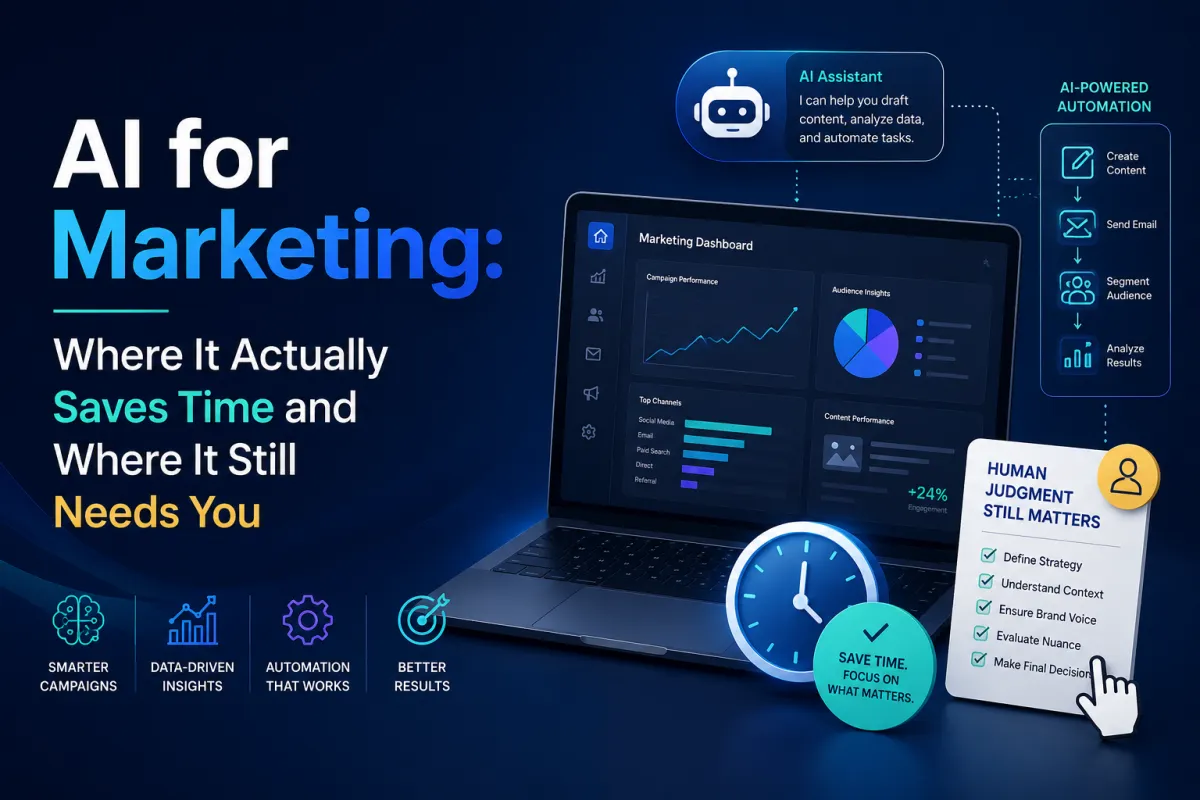
AI for Marketing: Where It Actually Saves Time and Where It Still Needs You
A lot of business owners already know AI exists. That part of the conversation is over. The better question now is whether it is actually helping the business move faster, think better, and produce stronger marketing, or whether it is just creating more average content at a higher volume.
That is the real divide.
We think AI is most useful when it closes an execution gap. If your team already has a good sense of the customer, the offer, and the market, AI can help you get to a usable draft faster, generate more angles to test, clean up repetitive work, and speed up the parts of the process that usually drag. If the business is still unclear on positioning, weak on message, or inconsistent on judgment, AI tends to amplify that too.
That is why we do not approach this topic like a hype cycle. We look at it the same way we look at any other marketing tool. Where does it create leverage? Where does it need guardrails? And where does it still need a human operator who knows what good looks like?
AI is best used as a force multiplier
The easiest way to think about AI is this: it works like a fast assistant with broad exposure and uneven judgment.
It can give you a rough draft in seconds. It can organize your thinking, speed up ideation, summarize information, rewrite copy in multiple directions, help you repurpose one idea across formats, and make repetitive production work lighter. That is useful for any team that feels stretched.
It also means you have to bring the taste.
That part matters because the wrong teams use AI to avoid thinking. The better teams use it to think with more range and then tighten the output with stronger judgment. That approach lines up well with OpenAI’s prompt engineering best practices, which emphasize giving the model clear context, specific instructions, and iterative refinement instead of asking for one vague answer and hoping it lands.
That is how we think about it too. The better your input and the clearer your constraints, the more useful the output becomes.
Where AI saves the most time in marketing
The old version of this blog had a long list of possible uses. That part was directionally fine, but it treated every use case like it had the same value. It does not.
The biggest wins usually come from a few practical areas.
1. Research and idea expansion
AI is strong at helping you explore a topic faster. It can help you surface customer questions, organize common objections, cluster content angles, compare competing narratives, and turn one rough idea into several usable directions. If you already know your audience well, this can save a lot of time in the planning stage.
That is especially useful for small teams that already know what they should be doing but keep falling behind on execution. Instead of staring at a blank page, you can use AI to generate option sets quickly and then choose the direction that fits your offer and market best.
2. First drafts and repurposing
This is one of the clearest practical uses.
AI can help draft blog outlines, turn a transcript into article structure, generate subject line options, rewrite one idea for multiple channels, or create shorter variations of a message for different placements. Shopify has leaned into this directly with Shopify Magic and Sidekick, both of which are built to help merchants create content, generate product copy, and work inside the store with plain-language prompts.
That matters because most teams do not need help having ideas. They need help turning one good idea into enough usable assets to keep the machine moving.
3. Email and personalization support
AI can be useful in email when the goal is not just writing more emails, but writing them faster and tailoring them more cleanly to the segment. The hard part here is still the strategy. AI does not decide the lifecycle logic for you. It does help you draft variations, tighten subject lines, personalize sections of copy, and create alternate treatments for different customer groups.
Tools like Klaviyo’s personalization tags and event-data personalization are useful examples of where AI and customer data can work together. The point is not to make every email sound robotic and dynamic for its own sake. The point is to make the message more relevant without adding hours of manual work every time.
4. Visual production and creative cleanup
This is one of the most practical shifts for creative teams.
AI tools inside design software now make a lot of repetitive cleanup work easier. Adobe Photoshop’s Generative Fill is a good example. It can remove distractions, extend backgrounds, and speed up the kind of image adjustments that used to eat up more time than they should have.
That does not eliminate the need for design judgment. It just lets your team spend more of its energy on the parts that actually require taste, structure, and brand control.
5. Store and workflow support
For ecommerce businesses, one of the more underrated uses of AI is operational support inside the platform itself. Shopify’s Sidekick can help merchants generate content, work with store data, complete tasks, and even assist with theme and app-related workflows in plain language.
That matters because marketing gets heavier fast when the store itself becomes one more bottleneck. If your team can use AI to move faster inside the day-to-day admin work, that frees up more time for the parts of growth that still need real strategic attention.
AI now affects discovery too
This is the part a lot of businesses still underestimate.
AI is no longer only something your team uses internally. It is also shaping how buyers find and evaluate you. Google’s AI optimization guide and its broader guidance on AI features and your website both make the same point in different ways: the content that performs well in AI-driven search experiences still needs to be useful, specific, and genuinely helpful.
That matters because a lot of buyers are already using AI systems to validate decisions before they ever visit a brand site. If your content is vague, overly polished, or built from generic AI output with no original value added, it becomes much easier to ignore.
So yes, AI can help you produce faster. It also raises the bar for how useful your content needs to be once it is out in the world.
Where AI usually goes wrong
The biggest mistake is treating AI like a substitute for judgment.
When teams publish first-draft AI copy, they usually end up with content that sounds technically fine and strategically forgettable. It says the right generic things, avoids risk, and sounds like it could belong to almost any company in the category.
That creates a sameness problem.
Google’s own guidance on generative AI content is helpful here. It explicitly says generative AI can be useful for research and structure, while also warning that scaled content without added value can violate spam policies. Its broader helpful, reliable, people-first content guidance makes the same standard clear from a search perspective.
The business takeaway is simple. AI-generated content still has to be worth reading.
If the team uses AI to think harder, sharpen faster, and create more useful assets, that is leverage. If it uses AI to flood the calendar with undifferentiated filler, that is just a faster way to become easier to ignore.
How we use AI in a way that actually helps
For us, AI is most valuable in a few specific parts of the workflow.
We use it to help speed up research, content planning, early draft structure, copy variations, repetitive production tasks, and certain technical or creative workflows that benefit from faster iteration. A web team can use it to move through coding problems more quickly. A content team can use it to generate angle options or rewrite one idea across formats. A design team can use it to reduce production drag in image work. A strategy team can use it to turn a rough concept into a stronger working document faster.
What we do not want is a system where AI is doing the thinking we should still be doing ourselves.
The stronger use case is that AI gets the first pass moving and the human team keeps the output aligned to the market, the brand, and the offer.
That is also why our approach still leans so hard on clarity. If you want the bigger system behind how we think about AI, messaging, and growth, our free guide and training is the best place to start.
A simple way to use AI without turning your marketing generic
If you are trying to make this practical, the easiest workflow is usually this:
Start with a real business problem.
Give AI enough context about the audience, offer, and goal.
Ask it for variations, structures, or options instead of a final answer.
Take the strongest output and tighten it with real judgment, real examples, and real voice.
Publish only the version that still sounds like your business and still helps the customer think more clearly.
That process tends to produce better work than asking for a “perfect post” in one shot and leaving the output untouched.
What to do next
If your team is already experimenting with AI, the next step is not collecting more tools. It is getting more intentional about where AI actually creates leverage.
Look at the last month of your marketing work and ask a few direct questions. Which tasks were repetitive enough that AI could have saved time? Which tasks needed stronger thinking rather than faster output? Where did the team get stuck on blank-page work? Where did it lose time in production or cleanup? Where would better prompts and a tighter review process have made the work easier?
That is usually where the value becomes obvious.
And if you want help turning AI into part of a clearer growth system instead of one more noisy tool in the stack, book a call with us.
