
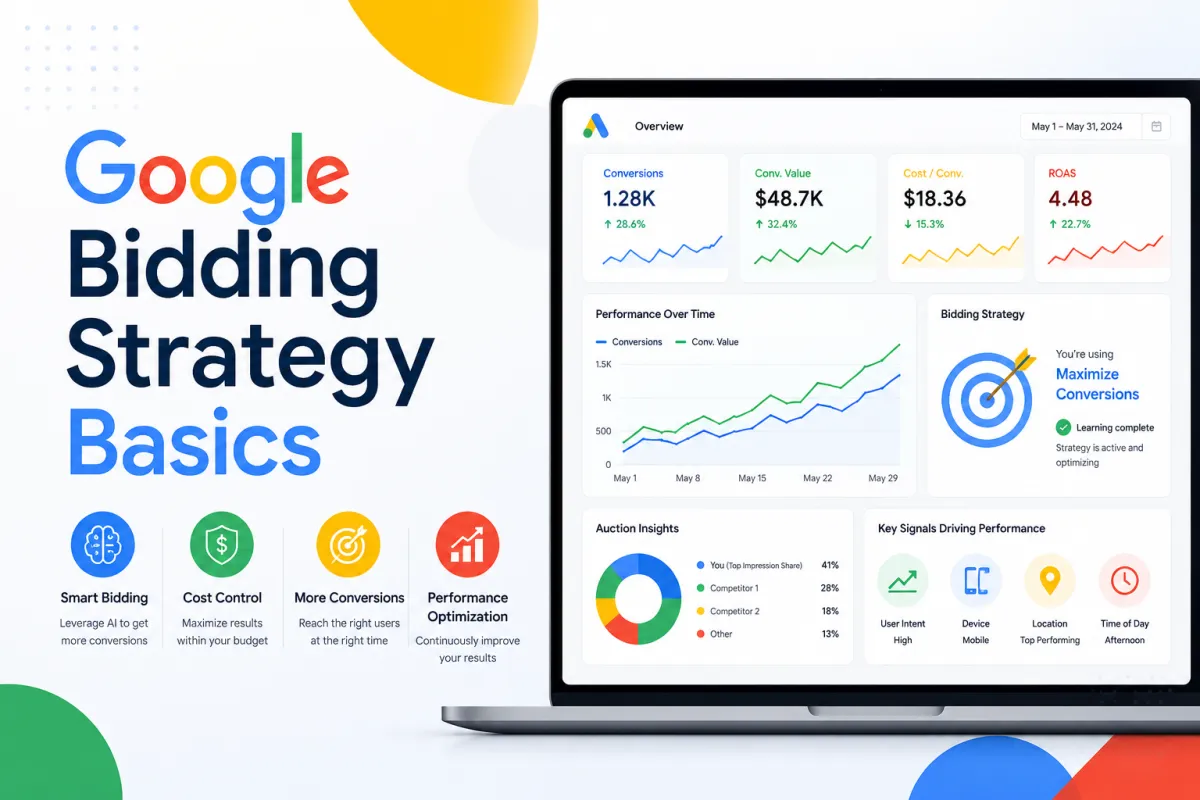
Google Ads Bidding Strategies: Why You’re Getting Clicks but No Leads
A lot of businesses think their Google Ads account has a traffic problem when what they really have is a decision problem.
The account is getting clicks. The ads are showing. Spend is moving. Then the leads do not show up, the sales stay flat, and everyone starts wondering whether Google Ads still works. Most of the time, the platform is doing exactly what the account asked it to do. The issue is that the bidding strategy, the keyword targeting, and the landing page are not all pointed at the same outcome.
That is why we do not like treating Google Ads bidding strategies like a menu of abstract settings. They are not just preferences inside the platform. They change what kind of traffic the account goes after, how Google interprets the goal, and what kind of user it tries to win in the auction.
Start with the obvious question: what did you tell Google to optimize for?
This is the first place we look.
If the campaign is set to Maximize Clicks, Google is doing what the name says. It is trying to bring in as many clicks as possible within the budget. That can be useful if the goal is traffic, early awareness, or building data. It is a weaker fit if the business is judging success by leads or ecommerce sales and expecting the bid strategy to behave like a conversion engine.
Google’s own bid strategy guidance separates traffic-focused strategies from conversion-focused ones for exactly that reason.
If the account is actually ready to optimize toward leads or purchases, we usually want to look at Maximize Conversions or a value-based option like Maximize Conversion Value or Target ROAS. The catch is that Google itself says conversion-based bidding works best with historical data, and for Maximize Conversions it highly recommends a baseline of at least 15 conversions in the last 30 days before switching.
That matters because a lot of accounts are stuck in the middle. They want sales-focused results from a traffic-focused setup, or they switch to conversion bidding before the account has enough signal to support it.
Smart Bidding is powerful, but it still needs clean inputs
Google’s Smart Bidding documentation makes the broader point clearly. Smart Bidding uses Google AI and auction-time signals to optimize toward conversions or conversion value. That can be very effective when the account has reliable conversion tracking, enough conversion history, and a landing page that matches the promise of the ad.
It gets much less helpful when those inputs are messy.
If conversion tracking is weak, if the account is bringing in the wrong type of visitor, or if the landing page does a poor job closing the click, Smart Bidding can only optimize around flawed information. The system is not magic. It still needs the account to tell the truth.
That is why we always want to know whether the account has enough conversion data and whether the conversion actions themselves are worth optimizing around before we treat bidding strategy like the whole fix.
Keyword targeting is where a lot of wasted spend starts
The transcript is right to call out keyword targeting next.
Google’s keyword match type documentation explains that broad match is the default and that it can show ads for searches related to your keyword, including searches that do not contain the exact same meaning as your original term. That can be useful in the right account, especially when paired with Smart Bidding and enough conversion data. It can also create a lot of waste when the account is smaller, the offer is niche, or the keyword list has not been cleaned up properly.
That is why we do not just look at the keyword list. We look at the actual search behavior the account is pulling in.
If irrelevant searches are showing up, that traffic may still produce clicks while doing very little for lead quality or sales. Google’s own negative keyword guidance is clear about the solution. If a search term is not aligned to what the business sells, you exclude it so the account stops paying for attention that does not help.
A lot of campaigns bleed budget right there.
CTR and CPC tell you something, but not enough by themselves
When the account is getting clicks without results, we usually look at click-through rate and cost per click next.
Google defines CTR as clicks divided by impressions. That makes it useful as a relevance signal. If CTR is weak, the ad may not be matching the search well or the creative angle may not be strong enough to earn attention. If CTR is healthy and conversions are still weak, the account may be attracting curiosity without attracting real buying intent.
Cost per click gives you another layer. Expensive clicks can still be worth it if they lead to qualified actions. Cheap clicks can still be a problem if they come from low-intent traffic that bounces immediately. This is why we do not like using CPC as a vanity win. Lower CPC only helps if the traffic quality still holds up.
Bounce rate and landing-page behavior tell you where the click goes to die
This is the part many teams ignore.
If you have GA4 connected, Google’s bounce rate and engagement rate documentation helps explain what that traffic is actually doing once it lands. Bounce rate in GA4 is the percentage of sessions that were not engaged. That matters because it helps show whether the page is holding attention long enough for the user to do something useful.
If the campaign gets the click and the page immediately loses the visitor, the account is not just a bidding issue anymore. It is a landing-page issue too.
Google’s landing page experience guidance makes that connection explicit. The landing page should be relevant, useful, easy to navigate, and aligned with what the ad promised. If it is not, performance suffers.
That is why we never separate bidding strategy from the page behind the click.
This is why we do not look at Google Ads in isolation
The kind of buyer we want usually already knows how to launch a campaign. They have watched the videos, read the guides, and tested enough things to understand the basics. What frustrates them is that the account still feels heavier than it should.
That usually happens because one part of the system is solving for traffic, another part is solving for sales, and the page is not strong enough to bridge the gap.
We care about the whole path.
What is the bid strategy telling Google to pursue?
What kind of search terms are actually showing up?
What does the ad promise?
Where does the user land?
What does that page do with the attention once it arrives?
That is the level where the account starts getting easier to diagnose.
If you want the bigger framework behind how we think about those decisions, our free guide and training is the best place to start. It lays out the system we use to help businesses stop wasting spend on traffic that was never likely to become revenue.
What to do next if you are getting clicks but no leads
If your Google Ads are getting traffic and producing very little business value, we would start with a few simple checks.
First, look at the bid strategy and ask whether it matches the outcome you actually care about.
Second, review search terms and clean up irrelevant traffic with negative keywords.
Third, look at CTR and CPC together so you understand whether the account is attracting the right kind of attention.
Fourth, open GA4 and see where the bounce is happening.
Fifth, look hard at the landing page and decide whether it is genuinely strong enough to convert the type of visitor the campaign is sending.
Those five steps usually tell the truth faster than another week of spending.
If you want help sorting through that with us, book a call.
